Finance
Analyze financial activity, investigate anomalies, support forecasting, and reduce the manual work involved in reporting and period close.


Smarter ERP Decisions Through AI Integration and Automation
Explore how NetSuite AI and the NetSuite AI Connector enhance ERP performance with predictive analytics, automation, and decision intelligence. Learn how Anchor Group helps integrate AI capabilities into your NetSuite environment.
AI is becoming increasingly integrated into NetSuite, giving businesses new ways to analyze ERP data, automate work, troubleshoot problems, and make information easier for users to access.
But getting value from NetSuite AI isn't about enabling every available AI feature. Anchor Group helps businesses identify where AI fits within their existing NetSuite environment and choose the right approach, from native NetSuite capabilities and Sonar to MCP, third-party AI platforms, and custom integrations.
NetSuite AI includes the built-in and integrated artificial intelligence capabilities that help businesses automate work, analyze ERP data, uncover patterns, and make information easier for users to access.
But bringing AI into NetSuite doesn't always mean implementing a new AI tool. Depending on the problem you're trying to solve, the right approach might be a native NetSuite capability, an AI assistant like Sonar, an external AI platform connected through MCP, or a custom integration.
The important question is less “How do we add AI to NetSuite?” and more “Where can AI actually save our team time or help us make better decisions?”


NetSuite already contains much of the operational data your business relies on—from transactions and inventory to customers, vendors, financials, and workflows. AI can make that information easier to analyze, investigate, and act on.
The opportunity depends on your business and your NetSuite environment. AI might help a finance team investigate what's holding up period close, help operations identify unusual inventory activity, help an administrator troubleshoot a customization, or make it easier for users to find information without building another saved search.

Predictive Analytics
Use historical and current NetSuite data to support forecasting across areas such as cash flow, sales, and inventory demand.
Less Manual Work
Reduce repetitive research, data gathering, reporting, and other tasks that consume your team's time.
Easier Access to NetSuite Data
Help users find and understand information without requiring them to know exactly where it lives in NetSuite.
Better Troubleshooting
Use AI to help investigate unusual activity, workflows, scripts, integrations, and other parts of your NetSuite environment.
Faster Analysis
Investigate financial and operational data without manually assembling information from multiple records and reports.
More Informed Decisions
Surface patterns, trends, and exceptions that can help teams determine where additional investigation or action is needed.
NetSuite AI Strategy
The most successful AI projects usually start with a simple question: Where will this save time or improve decision-making? We'll help you answer that question, identify the best opportunities in your NetSuite environment, and build an implementation plan around your workflows—not around the latest buzzwords.
Connect NetSuite With the AI Tools Your Business Uses
Sometimes the right AI solution doesn't live entirely inside NetSuite. An AI connector can allow approved external AI tools and services to securely interact with the NetSuite data and functionality they need.
Anchor Group helps businesses determine what should be connected, what information the AI needs access to, and how the integration should fit within existing NetSuite roles, permissions, workflows, and business processes.
Depending on the use case, that could include connecting NetSuite with AI tools for:
The goal isn't simply to connect NetSuite to AI. It's to give the right AI tools access to the right NetSuite information in a way that supports a defined business need.
Integrating AI into NetSuite goes beyond plug-and-play. A successful NetSuite AI implementation requires understanding your business objectives, data sources, workflows, and ERP structure. Anchor Group helps you identify the right AI opportunities, choose the appropriate technology, and integrate it into your NetSuite environment.

Analyze financial activity, investigate anomalies, support forecasting, and reduce the manual work involved in reporting and period close.
Analyze demand, inventory levels, backorders, aging inventory, and other operational data to support better inventory planning.

Analyze customer and sales activity, identify patterns across opportunities, and make account information easier for sales teams to investigate.

Use AI to help users find information, summarize customer activity, investigate cases, and support faster responses.

Analyze purchasing and vendor activity, investigate trends, and surface information that can support purchasing decisions.

Analyze workforce information and trends to support planning, scheduling, and resource decisions.

Connect AI Assistants and Agents to NetSuite
Model Context Protocol (MCP) provides a standardized way for AI tools to connect with external systems and data. With NetSuite's AI Connector Service, businesses can use MCP to give approved AI clients access to NetSuite while working within existing NetSuite roles and permissions.
This creates new ways for users to interact with ERP data through AI. Instead of manually navigating records, reports, and saved searches, approved AI tools can use natural-language requests to access the NetSuite information available to the user's assigned role.
Anchor Group can help you evaluate where MCP fits into your AI strategy, configure the NetSuite AI Connector Service, and determine how approved AI tools should interact with your NetSuite environment.

AI Built Directly Inside NetSuite
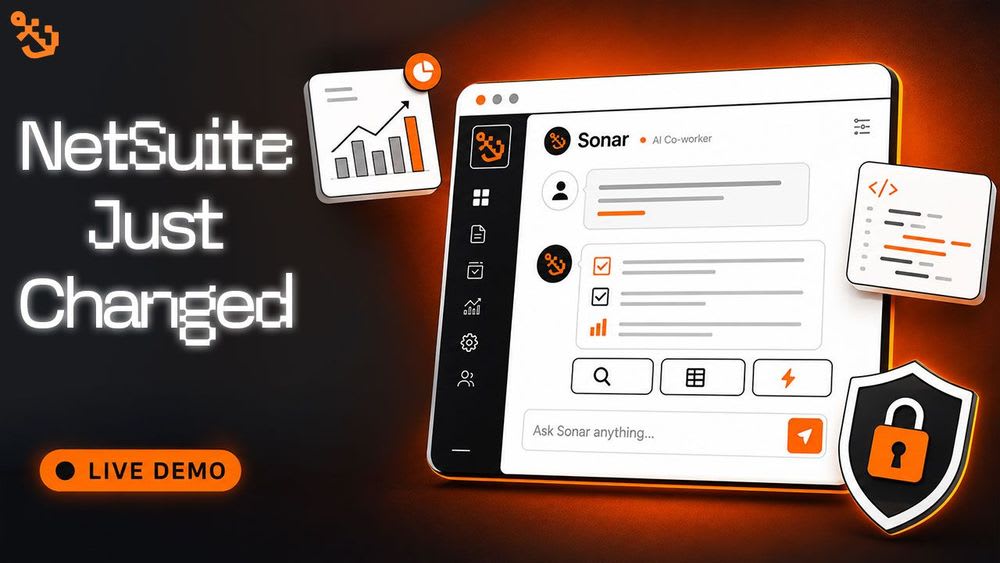
NetSuite AI continues to evolve, but sometimes the fastest way to make AI useful is to put it directly where your team already works. That's why we built Sonar, Anchor Group's AI assistant for NetSuite.
Sonar works inside NetSuite using your existing permissions and data. Teams can ask questions, investigate records, generate reports, troubleshoot problems, and explore their NetSuite environment conversationally—without switching between applications or manually digging through records.
When we provision Sonar for our clients, we're seeing teams put it to work across several areas:
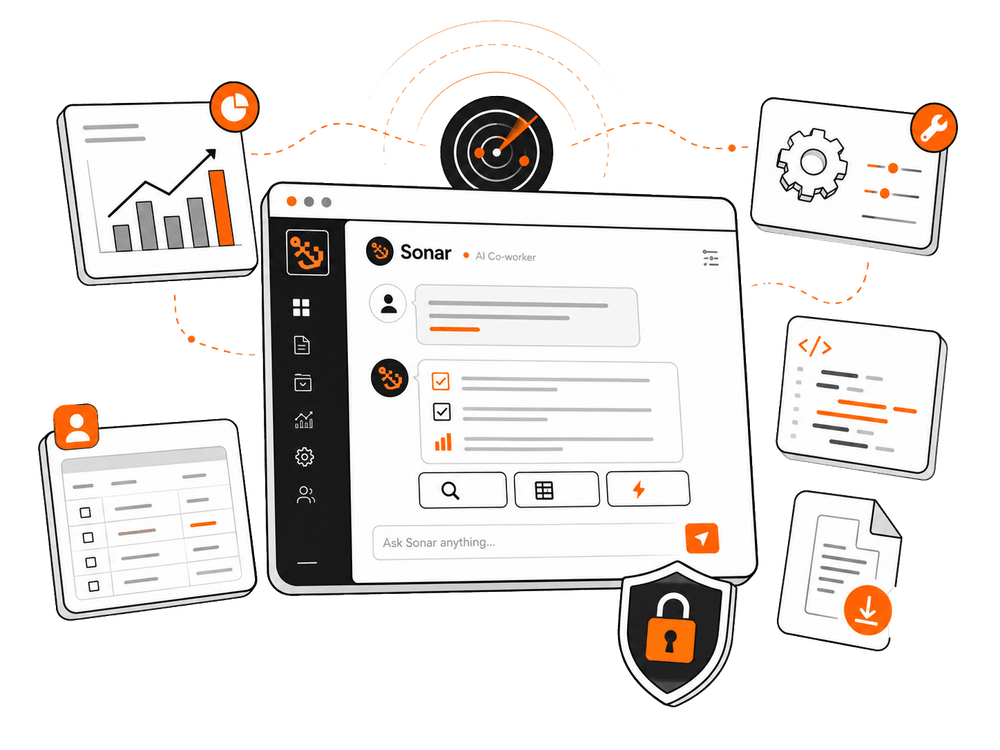

Some of the most useful questions in NetSuite aren't reporting questions—they're troubleshooting questions.
We're seeing Sonar users ask it to map script dependencies, identify inefficient scripts, investigate integration issues, find unused custom fields, and make sense of inherited NetSuite customizations.
One Sonar user specifically highlighted using it to trace broken workflows during unusual incidents, describing the process as much faster than investigating the issue alone through the NetSuite UI.
For teams managing a heavily customized or unfamiliar NetSuite account, Sonar provides another starting point for understanding what happened, what's connected, and where to investigate next.

Instead of starting with a saved search, report, workbook, or record-by-record investigation, Sonar lets users start with the business question they're trying to answer.
Try questions like:
Sonar Is Just One Part of Our NetSuite AI Expertise
We don't approach NetSuite AI as a standalone technology project. Our team starts with the NetSuite environment itself—the data, workflows, customizations, integrations, roles, and business processes that determine whether an AI solution will actually be useful.
That experience also extends beyond implementing existing AI tools. We built Sonar, an AI assistant that works directly inside NetSuite, and we're seeing firsthand how NetSuite users are applying AI to reporting, troubleshooting, financial analysis, inventory questions, and everyday ERP work.
But Sonar isn't the right answer for every AI use case. Anchor Group can help you evaluate and implement the approach that fits your business, whether that's native NetSuite AI functionality, Sonar, the NetSuite AI Connector Service and MCP, a third-party AI platform, custom development, or a combination of solutions.
Whether you're exploring AI for the first time or expanding what's already in place, our goal is to help you find where AI can create practical value inside your NetSuite environment—and implement the solution that fits.

NetSuite AI refers to the collection of artificial intelligence tools embedded within or integrated with the NetSuite ERP platform. It uses data analytics and machine learning to automate operations, generate predictions, and provide intelligent recommendations across finance, CRM, and operations: Oracle Announces AI Capabilities in NetSuite ERP
The NetSuite AI Connector securely links NetSuite ERP with third-party AI tools (such as OpenAI, Azure AI, or Google Vertex AI). It enables data synchronization, model training, and real-time analytics within your ERP workflows: NetSuite SuiteTalk and API Integration Overview
Companies use NetSuite AI for financial forecasting, customer churn prediction, anomaly detection, and workflow automation. These AI models are trained on historical ERP data to improve business decisions: Using AI for Smarter Business Decisions
MCP NetSuite (Multi-Cloud Platform NetSuite) allows organizations to run AI workloads and analytics across multiple cloud infrastructures while maintaining a unified ERP data model. This approach increases flexibility, scalability, and access to external AI services: Oracle Cloud Infrastructure Documentation
Anchor Group provides NetSuite AI implementation, integration, and customization services. Our experts configure AI connectors, deploy predictive analytics, and ensure your organization gains measurable ROI from AI adoption.
NETSUITE AI EXPERTS
Not sure where AI fits into your NetSuite environment? Talk with our team about what you're trying to accomplish, where your current processes are creating friction, and which NetSuite AI options are worth exploring. Contact Anchor Group to start the conversation.