Find it in SuiteBundler
Install like any other bundle. The Suitelet and script deployment land directly in your account, with no file uploads and no build tools.

Now live inside NetSuite
Sonar is an AI teammate that logs in as you, works under your own permissions, and turns "let me dig through NetSuite for that" into a two-line chat. No exports, no scripting detour, no waiting on the reporting queue.
The core difference is architectural. An MCP connector sits outside NetSuite and reaches in to find your data. Sonar sits inside your NetSuite environment, built from the same components NetSuite's own modules are built from. That is what gives it faster, more secure access to the data, along with the same permission model available to scripts.
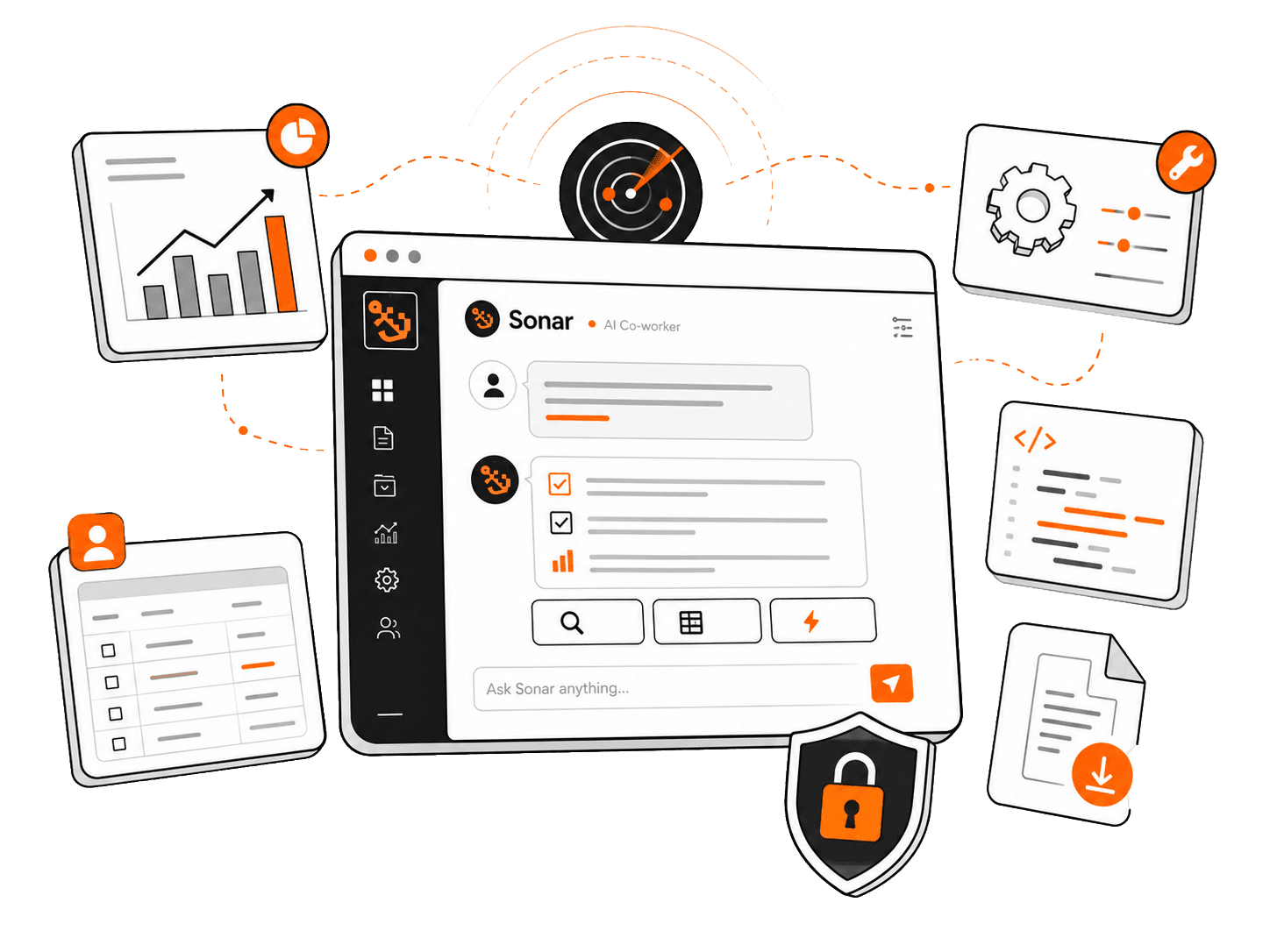
Sonar can be shut off entirely for edit-permission roles, or scoped so edit access only works in sandbox, something permissions alone can't guarantee. And because Sonar isn't bound to the roughly 1,000-line ceiling typical of an MCP connector, it can pull and compile results running into the hundreds of thousands of lines, faster, without splitting the request into pieces.
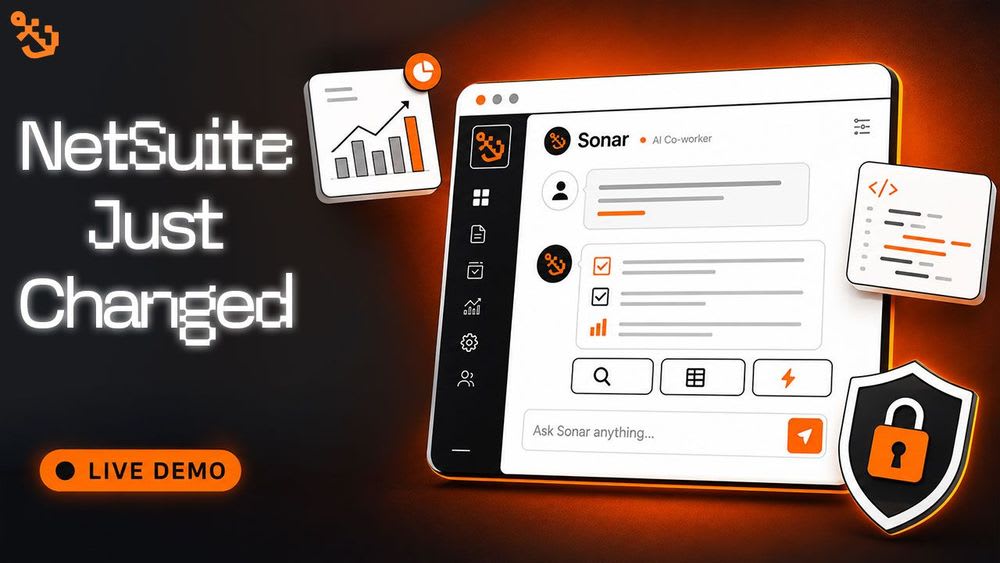
The full demo, plus a live Q&A on security and features.
See Sonar run against a real NetSuite account end to end, then hear the questions people actually ask about it: how it handles permissions, what it does and doesn't store, and where it fits alongside the rest of your NetSuite setup.
Prompt library
The free edition ships with 25+ ready-made prompts and an open chat for writing your own. No prompt engineering is required, but nothing stops you either. Want the rest? A single one-time purchase unlocks the full library of 265+ premium prompts, covering AR aging, income statement variance, board summaries, and supply chain dashboards.

Built for the people who live inside NetSuite daily.
If your job involves NetSuite, whether administering it, reporting out of it, running operations through it, or fixing it, Sonar removes a layer of friction from the parts you do every day.

NetSuite Admins
Finance Teams
Operations Teams
Developers


The catch? There isn't one.
The NetSuite community is why this exists, so the core of Sonar stays free, with no upfront purchase and no subscription. Premium prompts exist for teams who want them, but most people never need to leave the free tier. Request access and you're in.
Under the hood
SKILLS
Before touching an unfamiliar query, Sonar consults curated notes on SuiteQL, record structures, and permissions, so NetSuite's real quirks win over generic training-data guesses.
TOON
Table-shaped results get encoded in a lean, CSV-like format instead of repetitive JSON, so long result sets stay cheap and conversations don't hit a wall.
PROJECTS
Save account-specific context, such as "subsidiary 2 is US" or "sales orders carry a custom column called X," and Sonar reads it every time instead of asking again.
ARTIFACTS
One-off exports and generated reports come back as clean downloads that never get written into the file cabinet, and never round-trip raw data through the model.
LATEST UPDATE
Most LLMs will tell you SuiteScript facts with total confidence that stopped being true a while ago. Sonar's latest version loads a reference that was empirically checked against current NetSuite behavior, and trusts that over whatever its training data assumes.
OUTDATED ASSUMPTION
That used to just be a silent cutoff. On current NetSuite, it throws an error instead, with no warning if you're coding against the old assumption.
SILENT TRAP
Leave it out and results get duplicated, again with nothing flagging that anything went wrong.
SILENT TRAP
Gets the wrong format and NetSuite doesn't complain. It just quietly hands back zero rows, so the bug looks like empty data instead of broken code.
SILENT TRAP
Query results cap at 5,000 rows without an error, a limit that's easy to miss until a report is quietly wrong.
Sonar loads this verified reference before it writes any SuiteScript, ahead of whatever it would otherwise assume. Adding tools expands what an agent can do. Giving it current, checked knowledge is what stops it from confidently getting the fundamentals wrong.
Architecture
Sonar deploys as a Suitelet inside your own account. Every action executes under your login, your role, your audit trail. There's no separate server holding a copy of your data and nothing new to keep in sync.






What it actually does
Sonar isn't a wrapper that guesses at your data from the outside. It's operating a real NetSuite session, so the answers come from your actual records, roles, and report engine.
Write and run SuiteQL, cross-reference records, roll numbers up, and get a straight answer instead of building a saved search first.
Sonar joins the AR ledger to customer records, groups by segment, and hands back the aging breakdown. No report template is required.
When you need the actual Balance Sheet or P&L, including subtotals, eliminations, and all, Sonar drives NetSuite's own report engine instead of rebuilding it in a chat window.
Sonar runs the native report with the right filters and returns a downloadable version, the same numbers your auditor would see.
Stand up custom fields, lists, saved searches, and roles conversationally, with a confirmation step before anything sensitive actually saves.
Sonar creates the field, applies it to the item record, shows you the change, and waits for your OK before committing it.
Hand it an error message or a screenshot and it will trace the script, pull execution logs, and point at the actual failing line.
Sonar reads the error, finds the deployment, checks recent logs, and comes back with the line that's failing and a suggested fix.
Blog Articles
Anyone whose job touches NetSuite regularly: admins, finance and accounting teams, operations staff, and developers. It works within whatever role you already have.
It answers questions about your NetSuite data, runs native reports, sets up admin work like fields and roles, and helps troubleshoot scripts, all through chat.
Sonar works inside NetSuite itself. For connections to other systems, reach out and we can talk through what's possible for your setup.
No. It's a standard SuiteBundler install, with no developer environment and no file uploads. Most accounts are up and running in a few minutes.
Privacy first has been the approach to this free solution. Sonar runs as a Suitelet inside your own account under your existing role and permissions. Nothing leaves NetSuite, and there's no separate server storing your data. Not even prompt logs are stored.

Ready when you are
Request access, install the bundle, and start asking NetSuite questions the way you'd ask a coworker.