Note: This step requires you to enter credit card information and purchase at least $40 of Anthropic (Claude) tokens within your Claude Console (depending on your organization tier, you might not need to purchase more than $5 of tokens. You may want to contact your administrator to see if there is an existing Claude Console created.
Step 1: Get Claude API key to connect it to Sonar AI
Go to console.anthropic.com (it now redirects to platform.claude.com), then in the left sidebar click Settings → API keys. You will be asked to enter you email associated with your Claude account and send an email verification. Once you verify your email, you will be asked to join your existing team or create a new organization. If you are setting up billing and managing the API key separately from the rest of your organization, then you can create a new organization and manage as an individual.
Once you have joined or created an Claud Console account, navigate to Organization settings > API keys > Create Key.
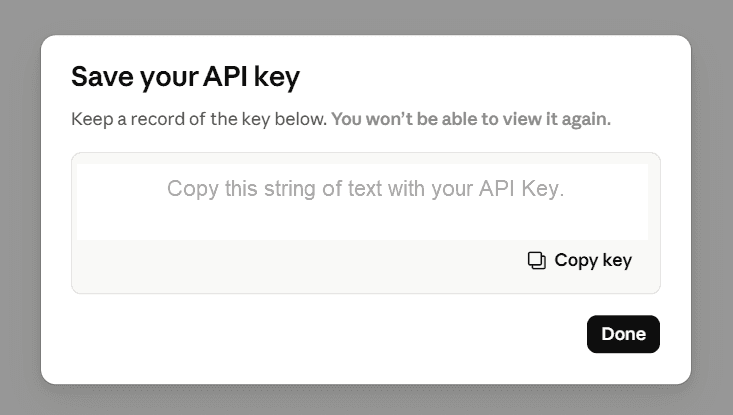
Type in a name such as “Sonar AI Secret Key” and an API key will be generated.
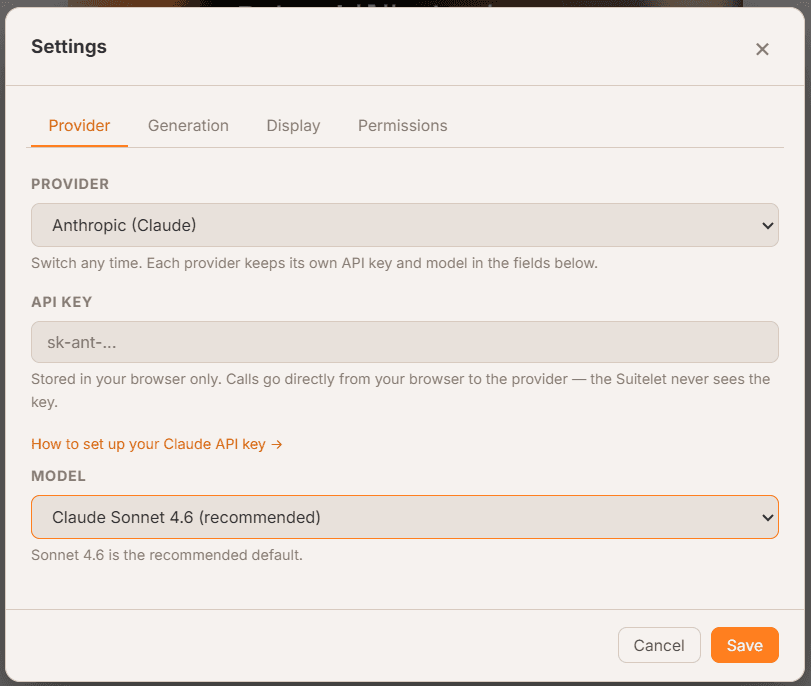
Paste this API key into Sonar AI.
Even though generating an API key is free, in order to have usage, you need to setup the billing for the usage to be leveraged.
Troubleshooting: If you still receive an error, it could be related to a CORS permission and this is set within your Anthopic Console. Double-check that browser/CORS access is enabled. An admin of the customer's Anthropic organization needs to go to the Anthropic Console > organization Settings and enable browser/CORS access (the setting governs whether CORS requests are allowed for the org.
Step 2: Validate you have the correct Rate limit tier purchased on your Claude Plan:
You need to have at least the Tier 2 Claude plan in order to use Sonar AI. This can be done by simply buying $40 worth of tokens.
If you are not your administrator for Claude Console when you joined the organization vs setup as individual billing, then you will need to contact your Claude administrator to make Claude organization adjustments.
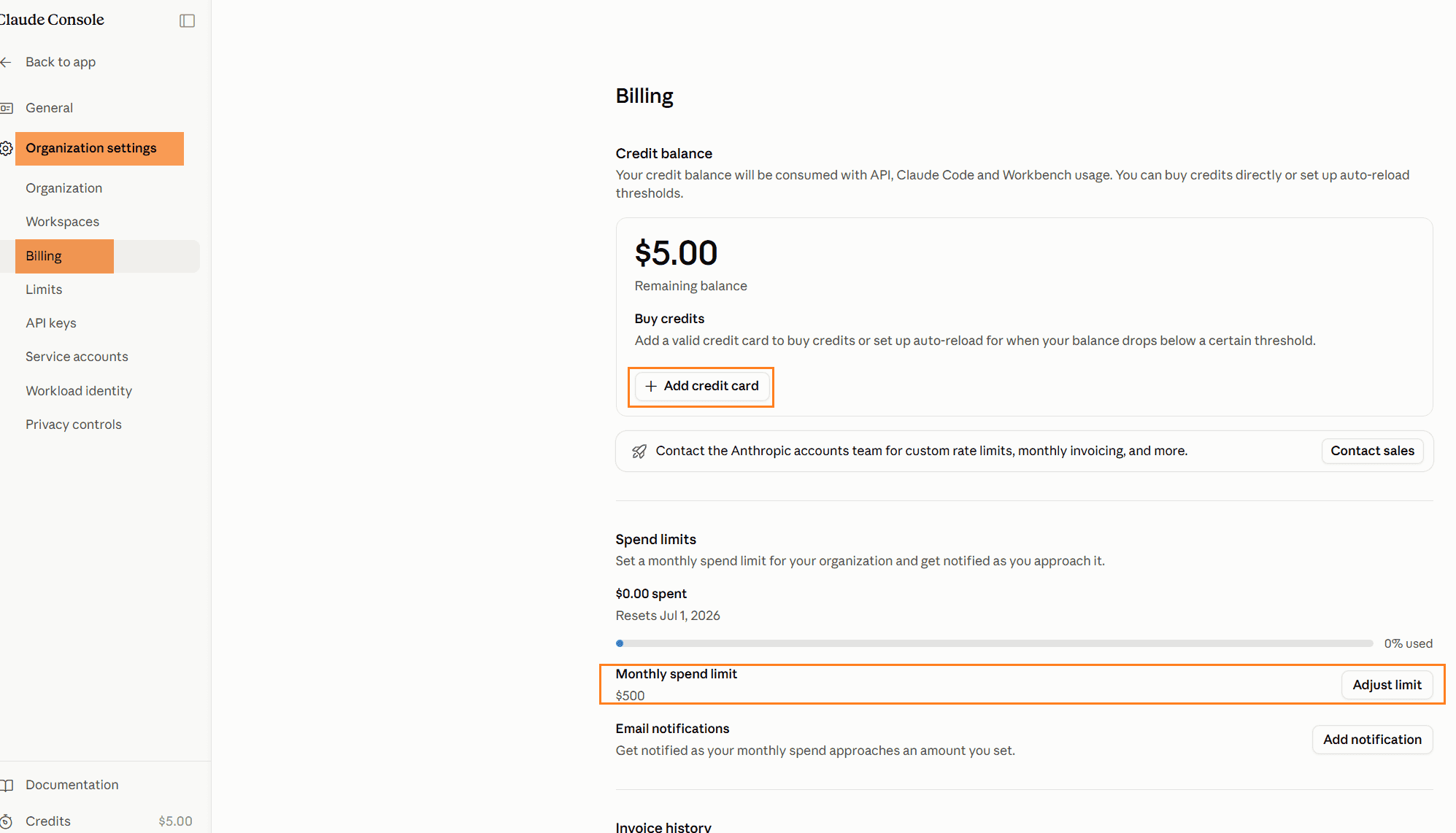
While within Claude Console (same place you created the API keys), then you will need to add at least $40 worth of credits. While you are here, we recommend you set the monthly spend limit to your budget and enable email notifications.
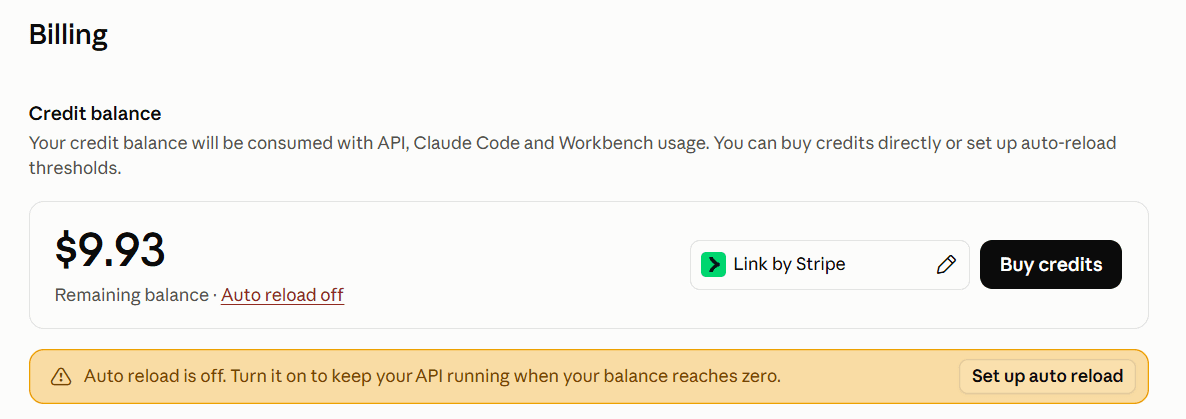
After you have added your credit card and purchased at least $5 worth of tokens, we recommend you turn off auto-reload.
Sonar is now ready to use! For easy tracking, the usage is also monitored within Sonar and you will see it match the usage within Claude Console.
Learn how to lock down Sonar, the free AI assistant inside NetSuite, with a custom view-only role and a script deployment restriction, plus practical security habits for using AI in your ERP.
Anchor Group just launched Sonar, a free AI tool built directly inside NetSuite. In this episode, Michael sits down with Caleb to break down what Sonar is, how its 260+ NetSuite-specific prompts work, and how to keep your data secure while using it. Whether you're a NetSuite admin, consultant, or CFO, Sonar is built to act like an AI coworker inside your NetSuite environment.