Contact Us
09 B2B Edition Walkthrough - Approving Quote - Sales Rep Perspective

Why Quote Management Matters in B2B Ecommerce

B2B sales often involve:

  • Negotiated pricing
  • Approval workflows
  • Custom orders
  • Ongoing customer communication

Without a centralized quote system, managing these processes becomes difficult. BigCommerce B2B Edition helps streamline quote management for both customers and internal sales teams.


Anchor Group Picker
Contact Us

SuiteCommerce, BigCommerce, or Shopify?

We build on all three. Five questions, honest ranked match.

Question 1 / 5 ERP


The Role of Internal Sales Staff

Sales representatives can:

  • Access customer quotes
  • Review line items
  • Communicate with buyers
  • Process approvals
  • Convert quotes into finalized orders

This keeps the entire purchasing workflow within a single platform.

Step-by-Step: Approving a Quote

How Sales Reps Approve & Process B2B Quotes in BigCommerce

Step 1: Access Open Quotes

Inside the merchant dashboard, sales reps can view all active quotes.

Step 2: Open a Quote

Click into an open quote to review the details. Inside the quote, sales reps can see:

  • Customer information
  • Billing address
  • Shipping address
  • Contact details
  • Product line items
  • Quote messages

Step 3: Review Customer Messages

BigCommerce B2B Edition includes built-in communication tools. Customers can attach messages to quotes, and sales reps can reply directly inside the system. This keeps communication organized and centralized.

Step 4: Process the Quote

Once reviewed, the sales rep clicks: Order

The system then walks through final confirmation steps, including:

  • Shipping confirmation
  • Billing verification
  • Custom requirements

Step 5: Confirm the Order

After processing:

  • The quote becomes an order
  • An order number is generated
  • The transaction is finalized

This creates a seamless transition from quote to purchase.

Benefits of Centralized Quote Management

Improved Customer Communication

Messaging tools help sales reps stay connected with buyers.

Faster Order Processing

Quotes can quickly convert into orders.

Better Visibility for Sales Teams

Everything is managed from one centralized dashboard.

Simplified B2B Operations

The platform reduces manual quote management tasks.

Final Thoughts

BigCommerce B2B Edition provides a streamlined quote approval workflow for internal sales teams. By allowing sales reps to review and process quotes directly inside the platform, businesses can:

  • Improve efficiency
  • Enhance customer communication
  • Simplify order management
  • Support scalable B2B operations

For businesses managing high volumes of quotes and customer interactions, centralized quote management is essential to successful B2B ecommerce.

Related Articles

How to Create Company Users and Buyer Roles in BigCommerce B2B Edition

B2B purchasing often involves multiple people inside a single company account. Some users place orders, some approve purchases, and others manage account settings. BigCommerce B2B Edition supports this complexity by allowing businesses to create multiple user roles within a company account. In this guide, we’ll explain how company users and buyer roles work inside the BigCommerce buyer portal.

Read the Article 05 B2B Edition Walkthrough - Creating Company Users - Customer Perspective

How to Approve B2B Company Accounts in BigCommerce B2B Edition

One of the most important parts of managing a B2B ecommerce store is controlling who gains access to company purchasing accounts. BigCommerce B2B Edition allows merchants to review, approve, and configure company accounts directly within the buyer portal. In this article, we’ll walk through how store administrators can approve B2B company registrations and configure account settings.

Read the Article 04 B2B Edition Walkthrough - B2B Account Approval and Settings - Store Admin Perspective

Understanding the B2B Registration Flow in BigCommerce B2B Edition

The customer registration experience plays a major role in the success of any B2B ecommerce website. Unlike traditional B2C stores, B2B websites often require customers to create company accounts with detailed business information before they can begin purchasing. BigCommerce B2B Edition simplifies this process by offering a built-in company registration workflow. In this article, we'll walk through the B2B registration process from the customer's perspective.

Read the Article 03 B2B Edition Walkthrough - B2B Registration Flow - Customer Perspective

How to Add Internal Staff Users in BigCommerce B2B Edition

As your B2B ecommerce operation grows, multiple team members often need access to your BigCommerce store. Sales representatives, finance teams, customer service agents, and administrators all require different levels of access. BigCommerce B2B Edition makes it easy to create internal users and assign role-based permissions. In this guide, we’ll walk through how to add internal staff users to BigCommerce B2B Edition.

Read the Article 02 BC B2B Edition Walkthrough - Creating Internal Staff - Store Admin POV

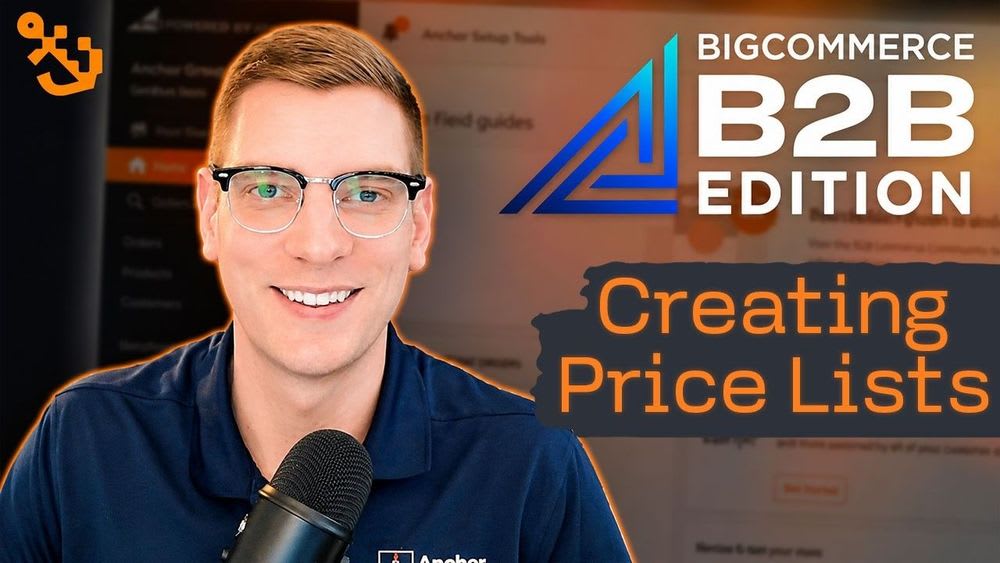
How to Create Price Lists in BigCommerce B2B Edition

Managing customer-specific pricing is one of the most important parts of running a successful B2B ecommerce store. Different customer groups often require different pricing structures, and manually adjusting prices for every order can quickly become overwhelming. Fortunately, BigCommerce B2B Edition makes it easy to create and manage price lists for different customer types.

Read the Article 01 B2B Edition Walkthrough - Creating Price Lists - Store Admin Perspective

Tagged with Training, B2B Ecommerce