Native SuiteCommerce Store Locator Setup
Within lies the comprehensive guide to setting up the native Store Locator on a SuiteCommerce site.
Read the Article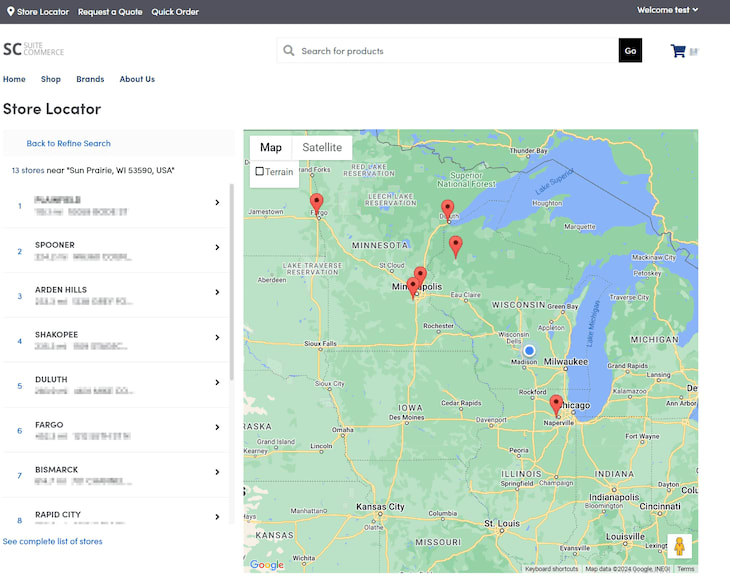

SuiteCommerce includes built-in forms for activities such as customer registration and checkout. However, businesses sometimes need additional forms for inquiries, ordering requests, or other information that isn't collected through standard storefront interactions.
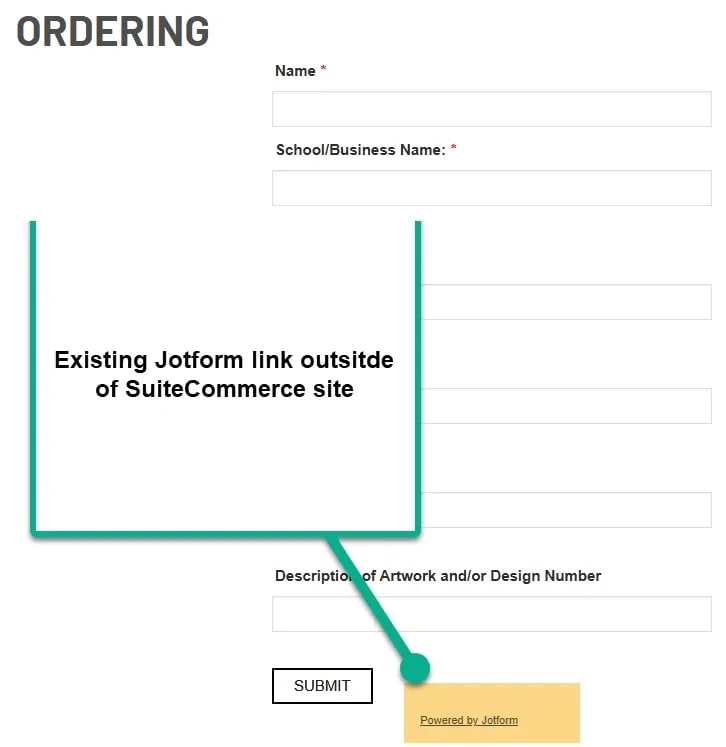
For example, a SuiteCommerce customer wanted to reuse a Jotform form from an existing website rather than rebuild it in NetSuite.
The solution was to create a SuiteCommerce landing page and embed the existing form using Site Management Tools (SMT).
Here's how to configure a similar setup.
Before getting started, make sure you have:
If you're unfamiliar with Site Management Tools, review the available NetSuite documentation or introductory training before proceeding.
First, open the form you want to display on your SuiteCommerce website.
In Jotform, locate the form's publishing or embed options and copy the embed code provided.
Jotform offers different ways to share or embed forms, so the exact code may depend on the method you select.
For this walkthrough, you'll need code that can be placed in an HTML content block.
Note: These instructions use Jotform, but the general SMT approach may also work with other form providers that offer compatible embed code.
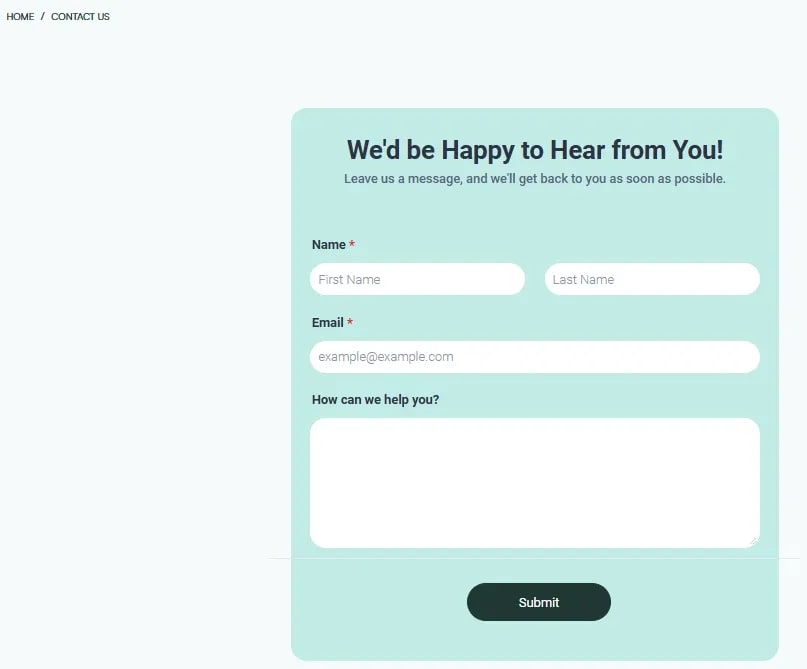
In the original implementation, the customer wanted to display the form on two landing pages: an Ordering page and a Contact Us page.
Both pages used the same general configuration process.

Configure the page's settings, including its name, visibility, page title, and metadata.
Make sure the page URL and visibility settings are appropriate for the intended audience.
Once the landing page has been created, add an HTML content block where you want the form to appear.

Descriptive names are especially helpful when a storefront contains multiple forms or other embedded content.
Paste the code copied from Jotform into the HTML block's code field.

If your Jotform embed uses an iframe, much of the form's internal appearance is controlled by Jotform rather than the surrounding SuiteCommerce page.
For that reason, it's generally easier to adjust the form's styling within Jotform.
You can still use the surrounding SuiteCommerce page layout to control where the form appears and how it fits with other page content.
Important: Only embed code from a trusted source, and confirm that your SuiteCommerce environment permits the selected embed method.
After inserting the embed code:

Repeat the process for any additional pages that need the same form.
Before making the page available to customers, test the form as a storefront visitor.
Confirm that:
Also review the form's privacy notice and the information it collects to make sure the embedded experience is appropriate for your customers.
If your goal is simply to add a contact form to a SuiteCommerce page, you may not need to embed an external form provider.
NetSuite offers a Map & Contact extension that can display contact information, a map, and a contact form.
The extension uses Site Management Tools to add content to SuiteCommerce pages without requiring direct changes to Sass or HTML templates.

This may be worth considering if you need a standard contact form and don't have an existing Jotform workflow to preserve.
However, if your business already uses Jotform for custom fields, submission handling, or other functionality, embedding the existing form may be more practical.
The best option depends on what you need the form to accomplish.
Embedding Jotform can make sense when you already have a working form and want to reuse it on your SuiteCommerce storefront.
A SuiteCommerce extension may be a better fit when you need a straightforward contact form that can be managed through the existing storefront tools.
If your requirements involve custom behavior or deeper integration with NetSuite records, additional development may be necessary.
Before choosing an approach, consider the information you need to collect, where submissions should go, and how the form should fit into your customers' experience.
Related Articles
Tagged with Training