Create a Running Total in a NetSuite Saved Search
A client needed a NetSuite saved search that displayed all payment transactions month-to-day, with a column for a daily running total. Here's how we built it.
Read the Article

Custom records are one of the key advantages of using NetSuite, giving administrators the flexibility to manage data around their company's operational needs.
Another advantage (and frankly, something that should be taught more) is knowing how to use these records effectively.
This article highlights two custom record settings I've found particularly useful for NetSuite administration.
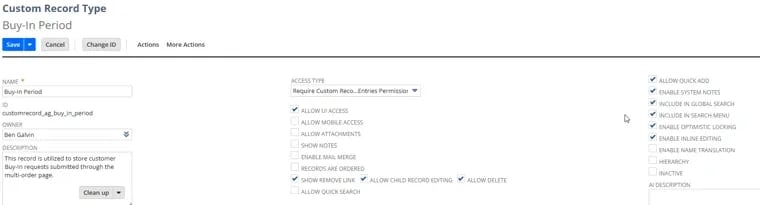
This feature adds an editing toggle and pencil icon to the List view, allowing users to edit custom record values directly from the list without opening each record individually.
Inline editing allows administrators to make quick changes to custom record values, such as quantities, without drilling down into each record.
When you're managing a large number of records, this can save quite a bit of time.
Currently, there does not appear to be a clear role restriction specifically controlling who can inline edit from the List view.
This doesn't impact all custom records, but it can give users more editing capabilities than intended if they already have access to modify the records.
Navigate to:
Customization > Lists, Records, & Fields > Record Types
If you enable Inline Editing but don't immediately see the ability to edit records from the List view, try logging out of NetSuite and logging back in.
The changes aren't always immediate.

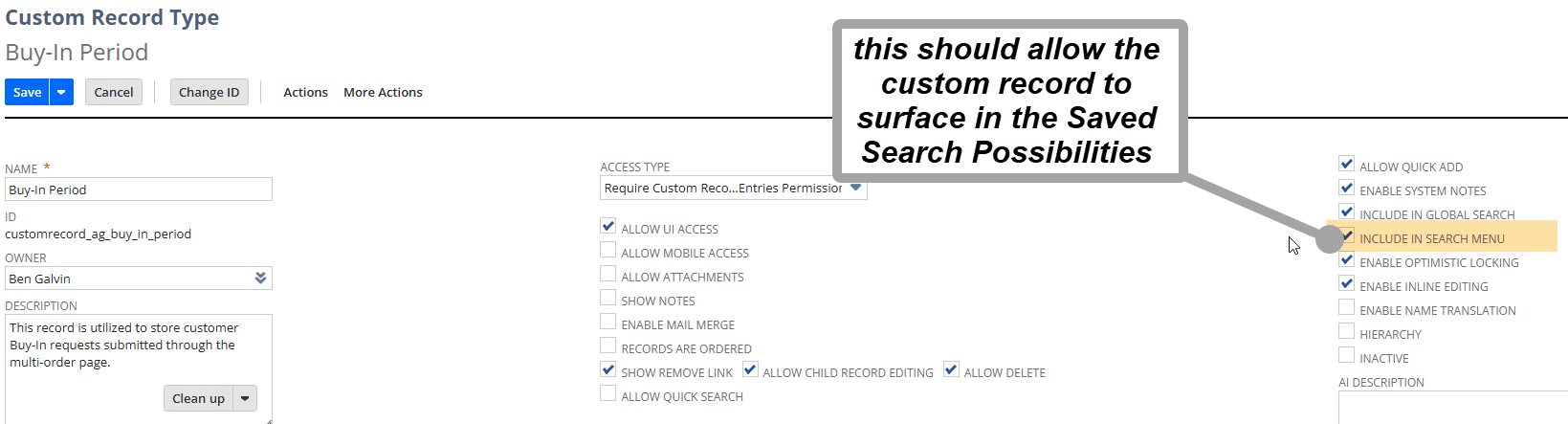
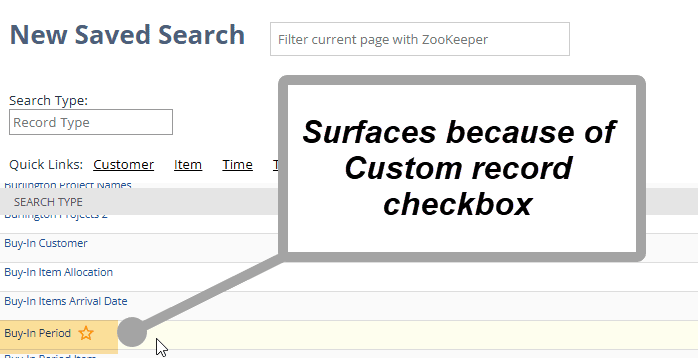
This setting makes the custom record type available in the Saved Search menu so administrators can create searches and reports using custom record data.
Reporting on custom data!
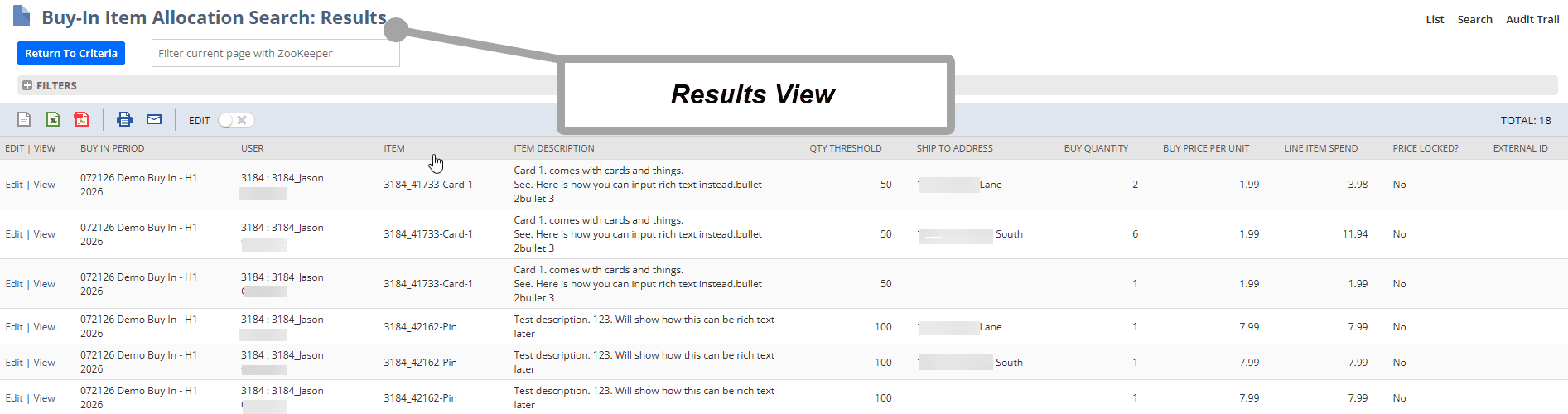
This is one of NetSuite's key advantages. You can use saved searches to report on custom records that support your business's specific operational needs.
Depending on a user's role and ability to create saved searches, making custom records available for searching may expose data to additional users.
Review the applicable permissions before enabling this setting, particularly for records containing sensitive business information.
Navigate to:
Customization > Lists, Records, & Fields > Record Types
If you have a SuiteCommerce store, you can also surface custom record saved searches on the storefront using the MyAccount Saved Search extension.
This can be a powerful way to give customers more visibility into the custom record data relevant to their accounts.
Related Articles
Tagged with Training