Contact Us

NetSuite Module

NetSuite WMS

Planned, implemented, and optimized by Anchor Group, a NetSuite partner

Cut mis-picks, short ships, and count-day surprises with barcode-driven receiving, putaway, picking, and counting that post to NetSuite in real time.

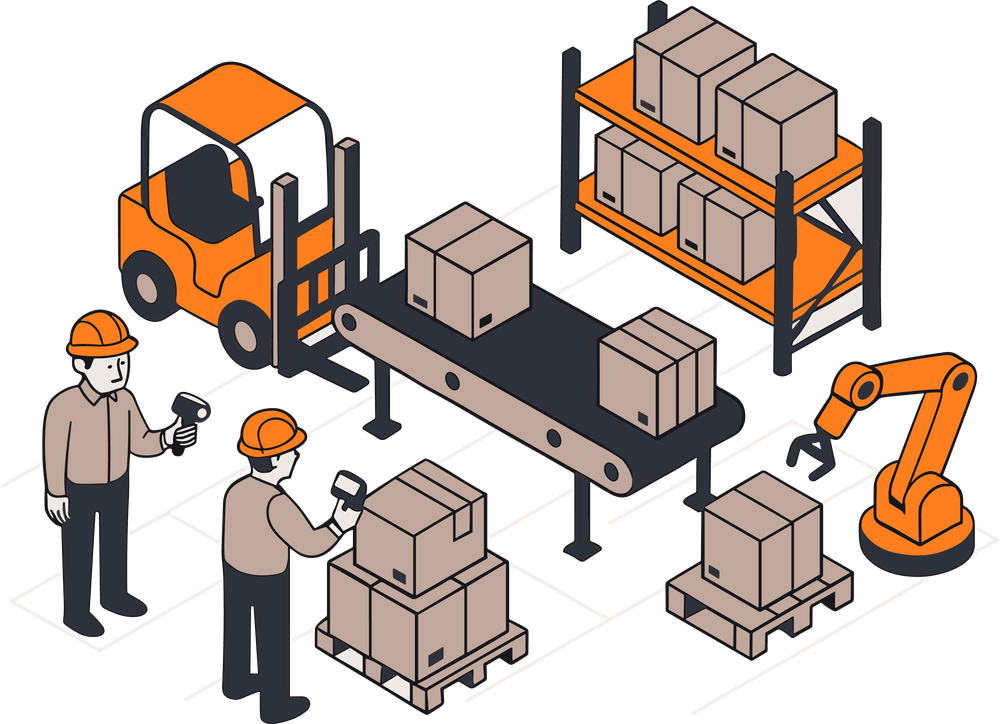
netsuite WMS  people working in a warehouse illustration
pixel squares light section overlay

NetSuite WMS is the Oracle NetSuite warehouse management system, a native module that runs receiving, putaway, picking, packing, and cycle counting on mobile devices and updates NetSuite inventory with every scan. Anchor Group will help you evaluate the NetSuite WMS module, confirm the prerequisites, and configure it around how your warehouse actually runs, whether you're implementing NetSuite or adding WMS to an existing account. It retires the pick list taped to a forklift (and the dependence on the one person who knows where everything is, who is always out sick the busiest week of the year).

Where the NetSuite WMS module fits

  • License: Add-on module licensed on top of the core platform, delivered as the Warehouse Management feature plus the SCM Mobile and Oracle NetSuite WMS SuiteApps, with WMS user licenses for the warehouse staff on the app. WMS users are a specialized user type that costs less than a full access user, so a picker does not need a full seat (we help you right-size the mix)
  • Requires first: Advanced Inventory Management, Multi-Location Inventory, Bin Management and Advanced Bin / Numbered Inventory Management (required even for locations without bins), Multiple Units of Measure, Pick, Pack and Ship, Advanced Shipping, and the Custom Records, Advanced PDF/HTML, and SuiteScript features. NetSuite Support provisions the Warehouse Management checkbox.
  • Runs on: Android 7.0 or later, or supported Apple devices (iPadOS 18 or later, or iPhone 13 and newer), with a 1D barcode scanner, a 4-inch or larger touchscreen, Wi-Fi, and Bluetooth (rugged housings are optional, though most warehouses end up wanting them)
  • Pairs with: NetSuite Ship Central, NetSuite Smart Count, and your storefront, EDI, and carrier integrations (NetSuite WMS integration with the rest of your stack is where a lot of our time goes)
  • Consider another tool when: You run a multi-client 3PL or need deep labor management, or RF-SMART suits your floor better. We implement both and do not have a dog in that fight beyond wanting the one you pick to work. See our comparison of seven WMS options for NetSuite.

NetSuite WMS features

Every one of the NetSuite WMS features below runs on the NetSuite WMS mobile app, and every completed task updates NetSuite inventory in real time.


lightbulb brain icon

Receive and put away accurately the first time

Capture the right data at the dock instead of at a desk later.

  • Scan purchase orders, transfer orders, and inbound shipments on a handheld, with lot numbers, serial numbers, and expiration dates captured on receipt (GS1 barcodes fill those fields in automatically).
  • Putaway strategies decide which bins the device offers, by zone priority and bin order (so nobody invents a new home for a pallet because the old one looked full).


workflow_icon.png

Pick faster with wave release and guided picking

Get more orders out the door with fewer steps and fewer mistakes.

  • Release orders to the floor on a wave schedule, as single orders, multiple orders, or bulk picks.
  • Pick several orders in one pass through the warehouse.
  • The device confirms every scan, which is where most mis-picks go to die.


factory icon

Make cycle counting a routine warehouse task

Count a zone from a plan on the device instead of the whole building on a Saturday.

  • Cycle count plans generate counts, assign them to employees, and send them to the mobile app (bins included, except work-in-process bins).
  • Counters can recount before anything is approved, and an approved count posts the variances in NetSuite (no clipboard, no re-keying).
  • Live counts without pausing transactions are NetSuite Smart Count's job, a separate SuiteApp that pairs with WMS.


Icon Franchise

Keep bins, status, and replenishment current

Trust the "available" number on every sales order.

  • Bin transfers and status changes (quarantine, damaged, available) happen on the device, so on-hand by bin is live rather than "as of last night."
  • Bin replenishment uses the minimums and maximums you set on bins and items to refill forward pick locations before they run dry.
  • Your ecommerce site stops selling stock that is sitting in receiving (or in a bin that got relabeled in March).


fulfillment_icon.png

Pack and ship from the same system

Close the loop from pick to carrier label.

  • Pack orders on the NetSuite WMS mobile app and print labels through your NetSuite shipping integrations.
  • Add NetSuite Ship Central, a separate SuiteApp, for kiosk-based packing and shipping stations.


Icon Buyers

Give supervisors live visibility

See who did what, and how long it took.

  • Every receipt, putaway, pick, and count is a task record in NetSuite, so productivity, pick accuracy, and count variance show up in saved searches and dashboards (no export step).
Two netsuite consultants engaged in collaboration on a project, sitting on the floor in a workplace setting.

How Anchor Group delivers a NetSuite WMS implementation

We have stood in enough warehouses at 6 a.m. on go-live day to know the project is won or lost in discovery and data, long before anyone opens a configuration screen.

New to NetSuite?

Plan the warehouse into the implementation

  • Walk your warehouse and map how product really moves (not how the SOP says it moves).
  • Design zones, bins, and pick strategies alongside your NetSuite implementation.
  • Train receivers, pickers, and supervisors on the floor, with the actual devices.

Identify the warehouse capabilities, devices, and prerequisites you need before implementation.

Plan my warehouse setup >

Already on NetSuite?

Expand what works, then fix what does not

  • Add NetSuite WMS to a stable account, or extend it to a second warehouse, a new pick strategy, or lot and expiration tracking.
  • Identify configuration gaps and the improvements worth prioritizing (putaway strategies nobody has revisited, waves that release at the wrong hour).
  • Check item data, bin design, and Wi-Fi coverage before you buy anything (metal racking creates dead zones, and aisle 14 is a bad place to find out).
  • Clean up item records and bins first (WMS will faithfully scan your mess into NetSuite at high speed).
  • Recommend NetSuite WMS, RF-SMART, or "fix your bins first," based on your warehouse.

Find out whether to add NetSuite WMS, tune what you have, or choose a different tool.

Assess my warehouse setup >

How you get it: the order of operations

1. Requirements review and licensing confirmation

2. Data preparation and warehouse design

3. Sandbox configuration

service icon

4. Workflow testing and validation

5. Training and production go-live

Icon Demo

6. Support and pick-strategy tuning

handshake icon
Two people discussing a document held open between them.

NetSuite WMS pricing

There are three separate costs, and it helps to keep them separate.

Contact us to understand the module and services required for your operation. The first call is free. Or, get a near-instant ballpark from our pricing calculator.

  1. Module and user licenses. NetSuite WMS is an add-on to your NetSuite subscription, priced by edition, modules, and users. Staff who only work on the handhelds can be licensed as WMS users, a specialized user type that costs less than a full access user. Oracle does not publish a NetSuite WMS cost, and a number without context is just a guess with confidence.
  2. Setup services. A one-time project, scoped to your warehouses, your data, and your integrations.
  3. Hardware. Handhelds, label printers, and Wi-Fi access points.

NetSuite WMS FAQs

rocket launch

Build the warehouse setup your business needs next.

Starting with NetSuite or expanding what it can do? Let's identify the right warehouse capabilities, configuration, and support for your operation. The first call is free.

Oracle NetSuite Alliance Partner · RF-SMART partner

500+ clients · 300,000+ project hours

More wholesale distribution clients than any other industry.

We like working ourselves out of a job, so your supervisors learn to change a pick strategy without filing a ticket.
module setup review

Related Articles

Learn More About NetSuite WMS

NetSuite WMS for Wholesale Distributors: 2026 Guide

NetSuite WMS is a native warehouse management module built directly into NetSuite ERP, eliminating the need for separate systems and integration middleware. For wholesale distributors, this unified approach improves margins, fulfillment speed, and labor efficiency by removing sync delays and manual reconciliation. Core warehouse processes—receiving, putaway, picking, packing, shipping, and inventory movement—are fully integrated with purchasing, sales orders, and financials. As a result, transactions recorded on the warehouse floor instantly update inventory, order status, and financial records, giving all teams real-time visibility and more accurate order promising. This single-database model is especially valuable for mid-market distributors handling moderate daily order volume across one or two locations. It streamlines operations like landed cost updates, returns, and intercompany transfers. Higher-volume businesses may consider solutions like RF-SMART or other SuiteApps. Typical implementation takes 4–6 months, with key risks including poor warehouse mapping, unclean data migration, and over-customization before validating standard workflows.

Read the Article A group of three netsuite consultants gathered around a table, focused on a laptop during a discussion.

NetSuite WMS for Manufacturers: 2026 Guide

NetSuite WMS for manufacturers is Oracle's native warehouse management module built inside NetSuite ERP. It combines bin-level inventory control, directed mobile picking, lot traceability, and work order integration in a single system shared by finance, production, and warehouse teams, making it a strong fit for mid-market manufacturers that need a direct operational connection between the shop floor and the ERP without middleware.

Read the Article A netsuite developer sitting at a desk with a laptop, looking at the notes of the netsuite consultant beside him.

Related NetSuite Modules

If the NetSuite WMS module doesn't meet your company's needs, consider other solutions that might be a better fit. Here are a few ideas to get you started.
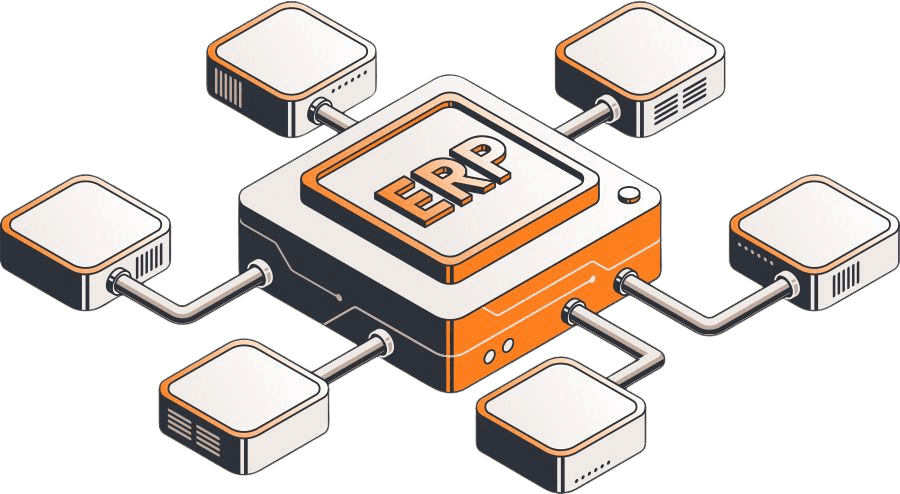
connected netsuite erp modules

Need something a little different?

If you’re not seeing the exact fit you need, no worries—we also build affordable custom solutions to fit your business, your workflows, and the way your team actually works.

Reach out and let’s build a solution that fits like it ought to.

enhanced_review_with_image_evan_stuman