NetSuite AP Automation features
These native AP automation features come from separate NetSuite features and SuiteApps, so each one is enabled and configured on its own (which is why the order matters).

Capture vendor bills without retyping them
Let NetSuite read the invoice so your accounts payable team only has to verify it.
- Email or upload PDF, JPEG, or PNG bills, and Bill Capture uses Oracle's generative AI document model to pull out the vendor, PO number, lines, and totals.
- Review the invoice and the draft bill side by side, and NetSuite learns from each correction.
- Emailed bills arrive through the Transaction Email Capture SuiteApp, a separate install.

Match bills to purchase orders and receipts
Pay for what you actually ordered and received, regardless of what the invoice claims.
- Bill Capture matches bills to open purchase orders and handles partial billing (the third shipment of a five-shipment PO stops being a puzzle).
- The 3 Way Match Vendor Bill Approval workflow, part of the NetSuite Approvals Workflow SuiteApp, checks each bill against its PO and item receipt within the tolerances you set.
Route approvals and stop duplicates
Get the appropriate sign-off before any money leaves the operating account.
- Bills with quantity or amount variances route to a supervisor automatically, while bills within tolerance continue toward payment.
- NetSuite warns you when an uploaded bill's reference number matches one already entered (so the vendor who sends every invoice twice gets paid once).
- Apply a payment hold to a disputed bill until purchasing and the vendor resolve the discrepancy.
Pay vendors from inside NetSuite
Retire the check printer and the separate banking portal login nobody can locate.
- Intelligent Payment Automation, powered by BILL, pays U.S. vendors by check or ACH, plus virtual card, wallet payments, or Mastercard RPPS for vendors on the BILL network.
- Pay an individual vendor, or build a consolidated payment run across many vendors and approved bills.
- Pay vendors outside the U.S. through Electronic Bank Payments, a separate SuiteApp.

Control who can release cash
Make every payment pass the same authorization checks, regardless of who initiates it.
- Payment run approval routing sets limits per bill, per vendor, or per run, with up to three approval levels.
- Role-based access and one-time user verification keep payment submission with authorized staff.

Track every payment and keep the books current
Answer "did we pay them?" without logging in to the bank or calling the vendor.
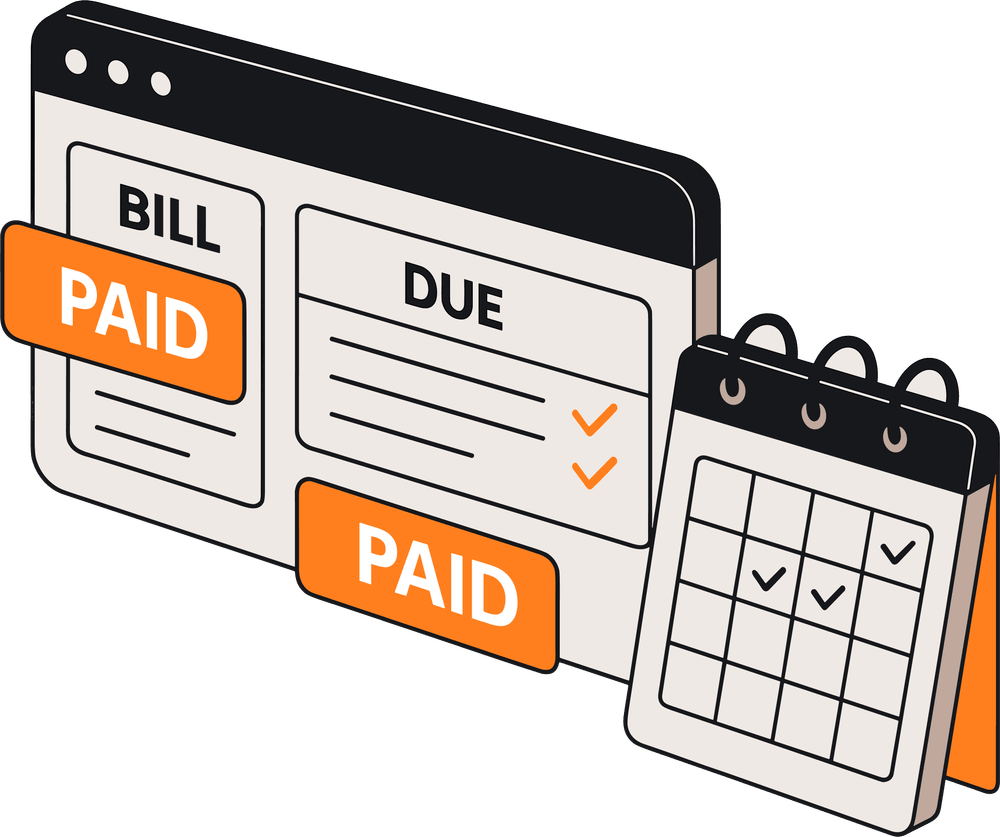
- The Payment Dashboard shows each payment's status, from For Submission through Paid.
- View cleared checks in NetSuite, and record monthly BILL transaction fees as journal entries automatically.